

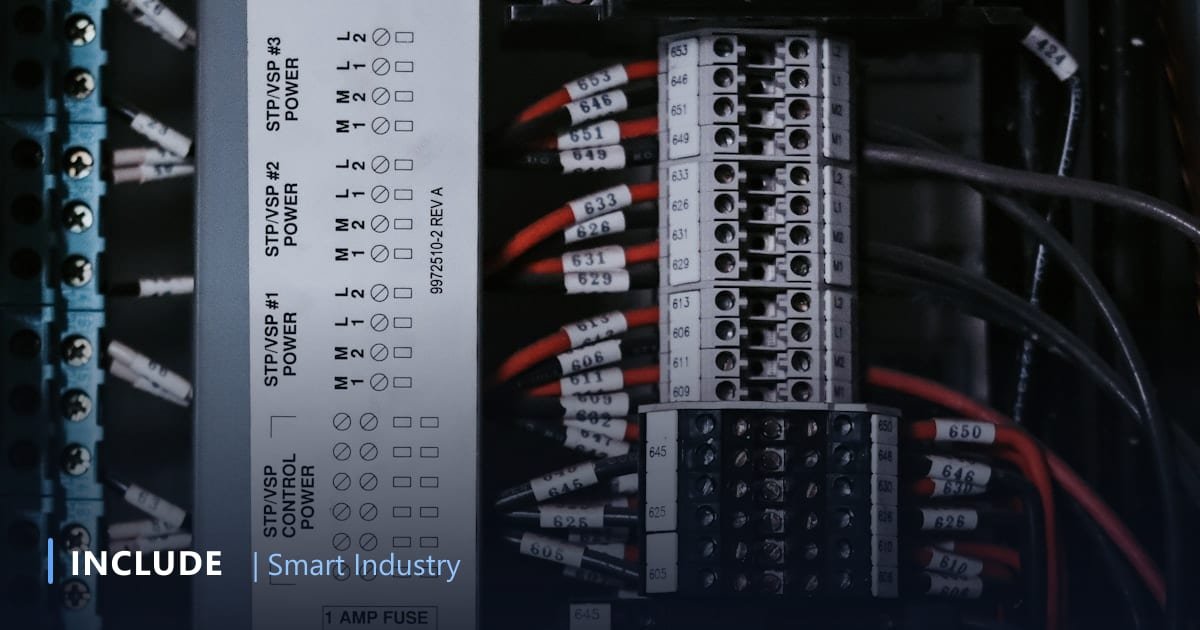
The question that comes up before almost every industrial IoT project: "do we have to replace our machines first?" The answer is nearly always no. Production machines 10-15 years old typically already contain a PLC, inverter, or power meter with an RS-485 port speaking Modbus RTU. The data already exists, it simply never leaves the panel door.
What Modbus RTU means in practice
Modbus RTU is the serial protocol that became the common language of industrial devices decades ago, and it stays dominant precisely because it is simple. A few things to understand before retrofitting:
- Bus topology. Several devices share one two-wire RS-485 line. One device acts as master and asks; the rest are slaves that answer when their address is called.
- Registers. Values such as voltage, current, temperature, or machine state live at register addresses. You need the device manual's register map to know which address holds what, and in which format.
- Scaling and data types. Registers are usually 16-bit. Decimals are typically scaled (2201 meaning 220.1 V) and large values split across two registers. Misreading word order is the number one cause of data that "reads fine but makes no sense".
- Line parameters. Baud rate, parity, and stop bits must match across every device on the bus.
Five realistic retrofit steps
- Inventory the devices. Record make, model, and whether the RS-485 port is already in use. Collect the manuals: that's where the register maps are.
- Decide what data you actually need. Don't start with "read every register". Start from the business question: how many hours does this machine truly run, what is energy per batch, when did temperature leave its range. Ten to twenty data points is usually enough for phase one.
- Install the gateway. IncludeGateways connects to the RS-485 line and polls registers at defined intervals, seconds for machine state, far less often for energy totals.
- Transport to the platform. The gateway converts register readings into meaningful messages and publishes them over MQTT or HTTP via the plant network, 4G, or LoRa for remote points.
- Validate against reality. The most skipped and most important step: compare dashboard values against the panel display or a field instrument for several days. Scaling errors, offsets, and wrong register addresses almost always surface here.
Keeping production undisturbed
- Read only, never write. For monitoring, read operations are enough. Control logic stays entirely in the PLC, eliminating any risk of unintended intervention.
- Respect bus load. Aggressive polling on a bus already used by SCADA can cause timeouts. Tune the interval, and use a separate line where necessary.
- Mind the RS-485 wiring. Use shielded twisted pair, keep the topology linear, and terminate both ends. Most "intermittent data" problems are rooted here, not in software.
- Segregate the network. Operational data traffic should not share the office network. For distant points, a dedicated 4G link is often simpler and safer than pulling new cable.
Common symptoms and what causes them
Modbus retrofits rarely fail outright; far more often the data reads but makes no sense. Four symptoms that keep recurring, and their typical causes:
- Every register reads zero. Usually the wrong slave address, or A and B swapped on the RS-485 pair. Check the device address on its own display before blaming the gateway.
- Values appear but the magnitude is odd, voltage showing 2201. A scaling issue: the register stores tenths. The scale factor is in the manual; it is not something to guess.
- Large numbers jump erratically. A 32-bit value split across two registers is being read with reversed word order. Swapping the order usually resolves it immediately.
- Intermittent dropouts. Almost never software: missing bus termination, cable runs that are too long, data lines routed alongside motor power cables, or polling so tight that devices run out of time to answer.
This is exactly why the validation stage cannot be skipped. One week comparing the dashboard against panel displays saves months of decisions made on wrong data.
When the device genuinely can't communicate
Some machines offer no digital interface at all. In that case, sensors are added externally (current, vibration, temperature, or a state sensor on the contactor) and the data is transported by IncludeBox without touching the control panel. This approach affects neither the machine warranty nor its control logic.
Once data flows, the next step is using it: energy monitoring through InEnergy, or a purpose-built operations dashboard from the INCLUDE services team when your process needs its own business logic.
In short: before budgeting for machine replacement, check whether your machines are already able to speak.
Frequently asked questions
Does reading a PLC over Modbus disturb its program?
No, when reading is one-way from data registers at a sensible interval. The control program keeps running as usual.
What if the PLC has no Modbus port?
Some PLCs use other protocols or need an extra communication module. Alternatively, fit sensors or an energy meter to the machine the PLC controls.
Have legacy machines with data locked inside the panel?
Send us your machine list and PLC/meter brands. The INCLUDE team will map the cheapest retrofit path.
Free consultation on WhatsApp → See IncludeGateways →